A small finished project can carry a strong conversation
A repository link is an invitation to inspect your work. Give the visitor enough context to decide whether to keep reading. You do not need a fashionable stack, a large user count or an invented performance metric. You need a problem you understand and a piece of work you can explain.
Choose something observable: detect invalid rows in a CSV, search a club’s events, or track the availability of a public dataset. Define one user and one useful action. For example: ‘A club organizer uploads an event CSV and sees missing dates before publishing.’ That is a clearer first milestone than ‘build an AI platform.’
Make the first screen answer the important questions
GitHub surfaces a README as an introduction to a repository. Use it to explain what the project does and how to run it. Put the key facts before installation detail: the problem, a screenshot or sample output, and your contribution.
An example opening: ‘Event Check validates a campus club’s CSV before import. I built the parser, validation rules and error report. It runs locally; the fixture contains synthetic events. It currently handles one date format and does not connect to the college’s systems.’ This is illustrative wording, not a claim about a real student project.
- Show an input and its output so the behavior is inspectable.
- List the runtime version and exact setup steps. Use an example environment file with placeholders, never real keys.
- Include a short test command and explain the failure cases it covers.
- Document known limitations and identify tutorial, library, teammate or AI contributions.

Read the diagram
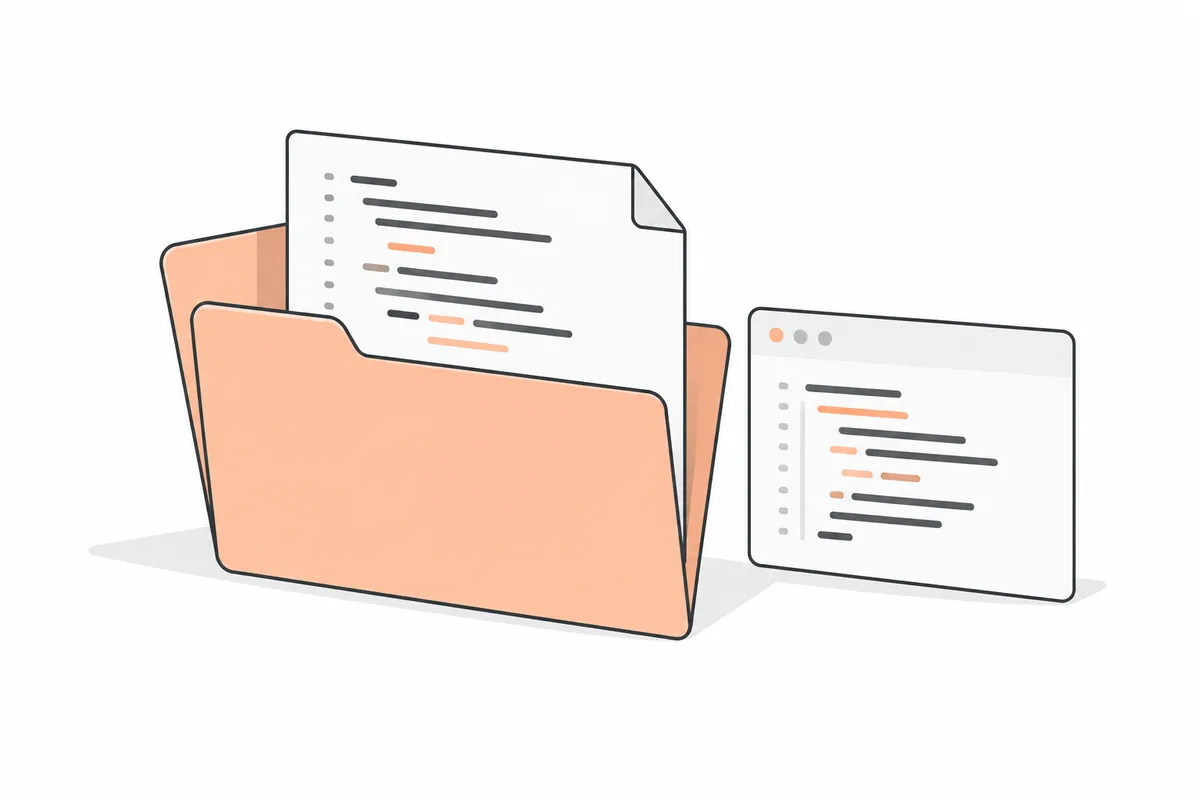
- README. Describe the CSV validator, your contribution, setup and limitations.
- Source and tests. Show the validation logic and missing-date failure cases.
- Synthetic fixture. Let another person reproduce input and output without private data.
Sources: GitHub: about repository READMEs
Add one decision worth discussing
Explain a trade-off you actually made. A local SQLite database may simplify setup but limit concurrent writes. Batch validation may make error reporting clearer but delay the first result. Describe why your choice fits this version and what evidence would make you change it.
If you claim a speed improvement, record the baseline, dataset, hardware, command and repeated measurements. If you did not measure it, describe the observable behavior instead. ‘Reports the row and missing field’ is useful. ‘Improved efficiency by 80%’ without a method is not credible evidence.
Test the awkward path
Pick one failure that a real user could trigger. For the CSV tool, try an empty file, a missing date, duplicate rows and unexpected encoding. Define how each should be handled. Preserve a small fixture and a test that demonstrates the chosen behavior.
Ask a friend to follow the README from a clean checkout. Watch where they stop. If the setup only works on your machine, improve the instructions or supply a smaller demonstration. A recorded walkthrough can supplement the repository when hosting is unaffordable; identify it as a recording, not a live service.
Turn the evidence into a resume and profile
Write a work example in four parts: what you built, what you personally contributed, what happened, and where someone can inspect it. A result can be a working feature or a tested failure mode; it does not need to be a business metric.
FlowCV is one resume editor Akash recommends exploring. Check its current plan and export limits. Whatever editor you use, review the exported PDF, check that text is selectable, and test every link. A template does not make unsupported claims true.
Use Opened’s public profile to share reviewed work when you choose to publish. Keep client code, private repository links, tokens and personal contact details out of public examples. For confidential work, describe the problem and your role at an approved level of detail instead of uploading company material.
Use AI without losing ownership of the explanation
If an AI tool helped, keep the diff small enough to review. Run the tests, inspect dependencies and explain the code in your own words. Record one suggestion you rejected and why. That discussion shows judgment much better than claiming everything was written manually.
When contacting someone, share one relevant example and a specific reason it relates to their team. Do not send a wall of repository links or imply that a public title guarantees a referral. Your aim is to make a short, useful conversation possible.
Sources: Opened: choosing whom to approach